 8.2
8.2
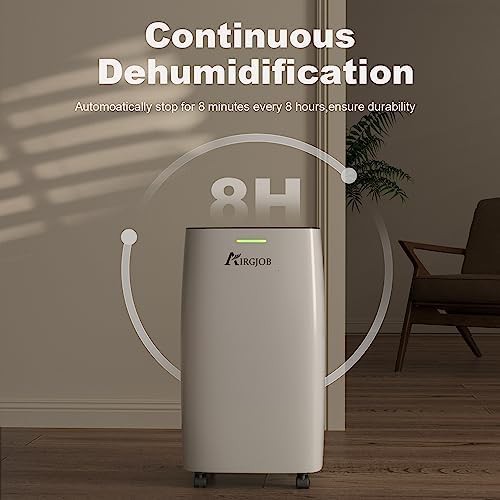
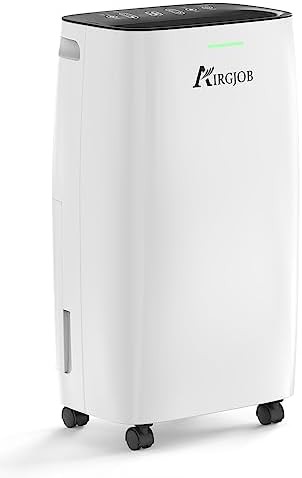
AIRGJOB
32 Pint basement dehumidifier with continuous drain hose
$162
For basements Bedroom Bathroom With drain hose Garage 30 Pint
Safety features that prevent accidental setting changes by curious hands 10 dehumidifiers · 9 brands
8.2
For basements Bedroom Bathroom With drain hose Garage 30 Pint
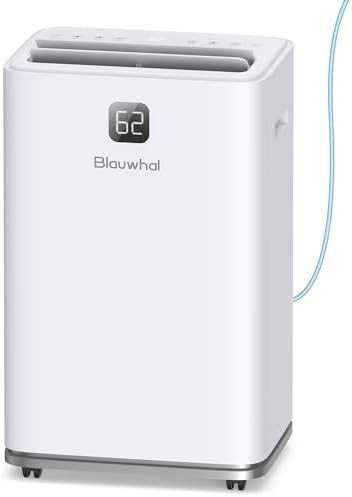
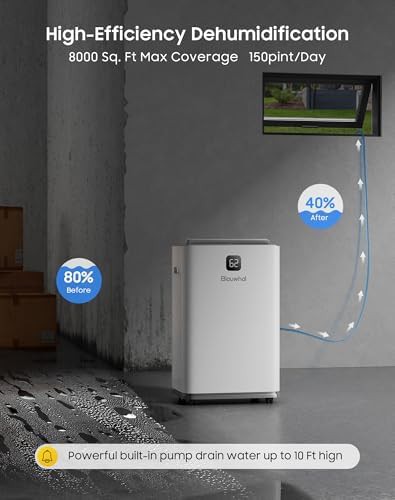
For basements With drain hose Commercial With 24H timer With pump 150 Pint
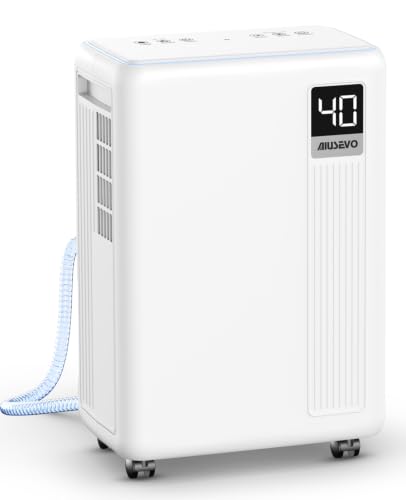
For basements Bedroom With drain hose With 24H timer With sleep mode
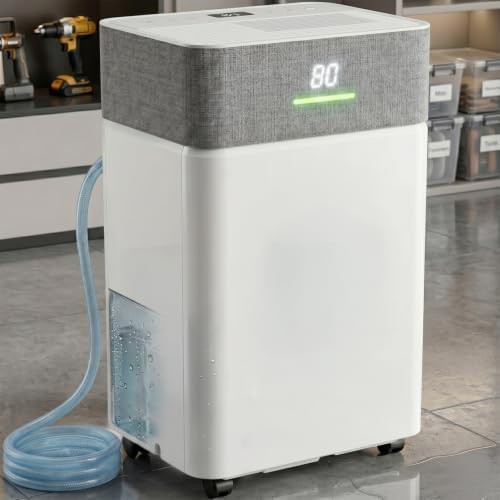
For basements Bedroom Bathroom With drain hose With 24H timer Ultra quiet
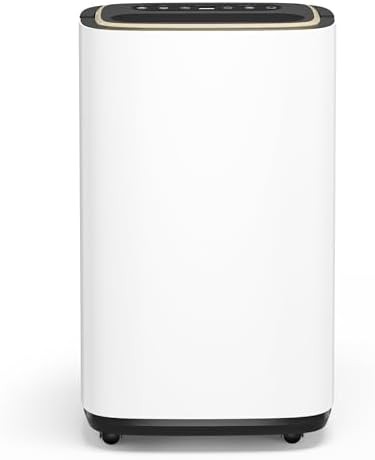
For basements Bedroom Bathroom With drain hose With 24H timer Compressor
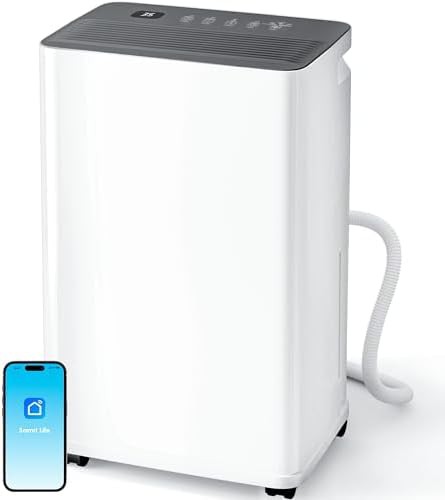
For basements Bedroom With drain hose With 24H timer With auto defrost 30 Pint
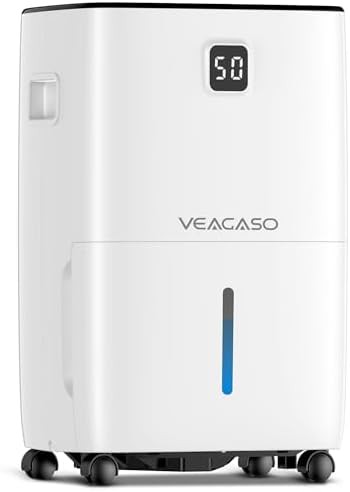 7.2
7.2
For basements Bathroom With drain hose Garage With 24H timer With auto defrost
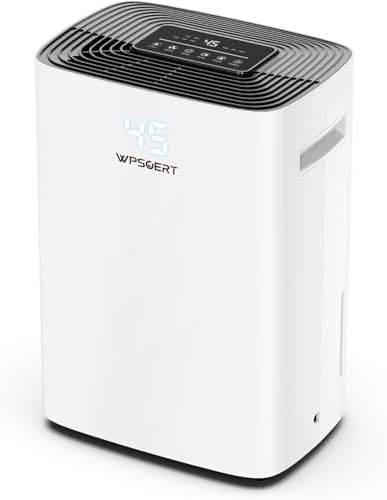
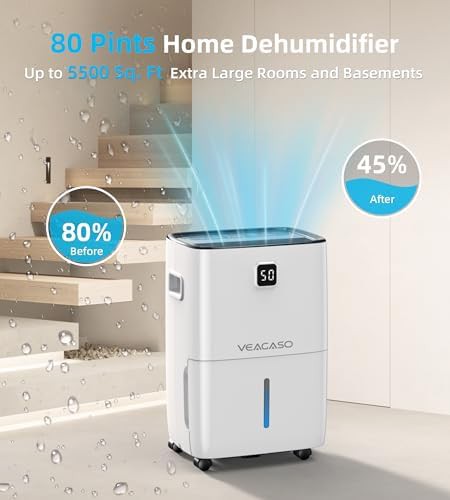
For basements With drain hose With 24H timer With auto defrost 80 Pint 5500 sq.ft
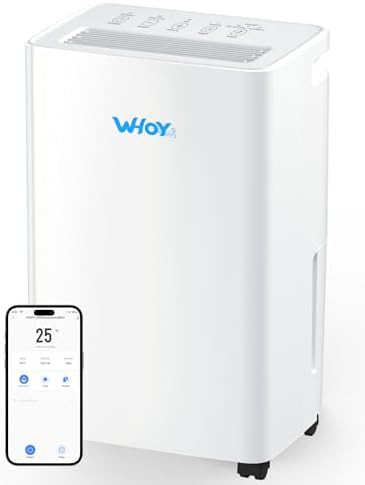
For basements Bedroom With drain hose Compressor 30 Pint Smart
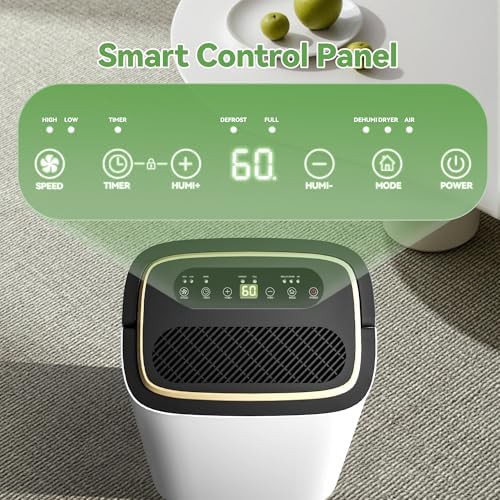
The child lock stops the control panel from accepting new commands. Once engaged, pressing buttons does not change the humidity setpoint, timer, or mode. The unit keeps running at its current settings until the lock is released.
On most units, you press and hold a dedicated button or a button combination for a few seconds. The display usually shows a lock icon or the word LOC. Repeating the same press-and-hold unlocks it.
A child lock matters most in homes with toddlers or pets that can reach the unit. It also helps in shared spaces where someone might bump the panel. The lock does not stop the dehumidifier from running or from filling its tank.
The lock does not prevent the unit from reaching its tank-full shutoff or from auto-defrosting. It does not block drain hose operation or stop the compressor from cycling. It only freezes the control inputs.
No, it only prevents changes to settings while the unit continues at its current mode.
Yes, the lock does not affect continuous drain operation or hose connection.
A lock icon or LOC appears on the display after you hold the button.
Most units reset the lock when power is cut and restored.